Brother
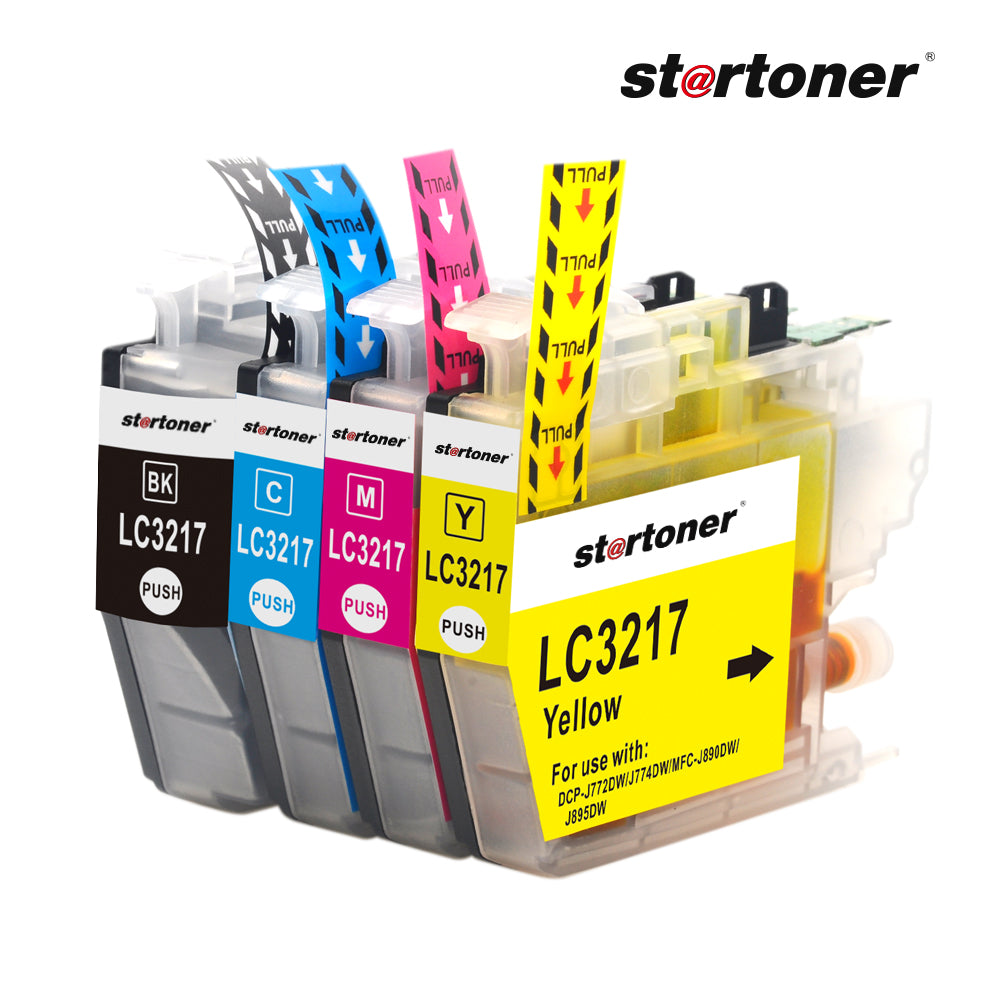
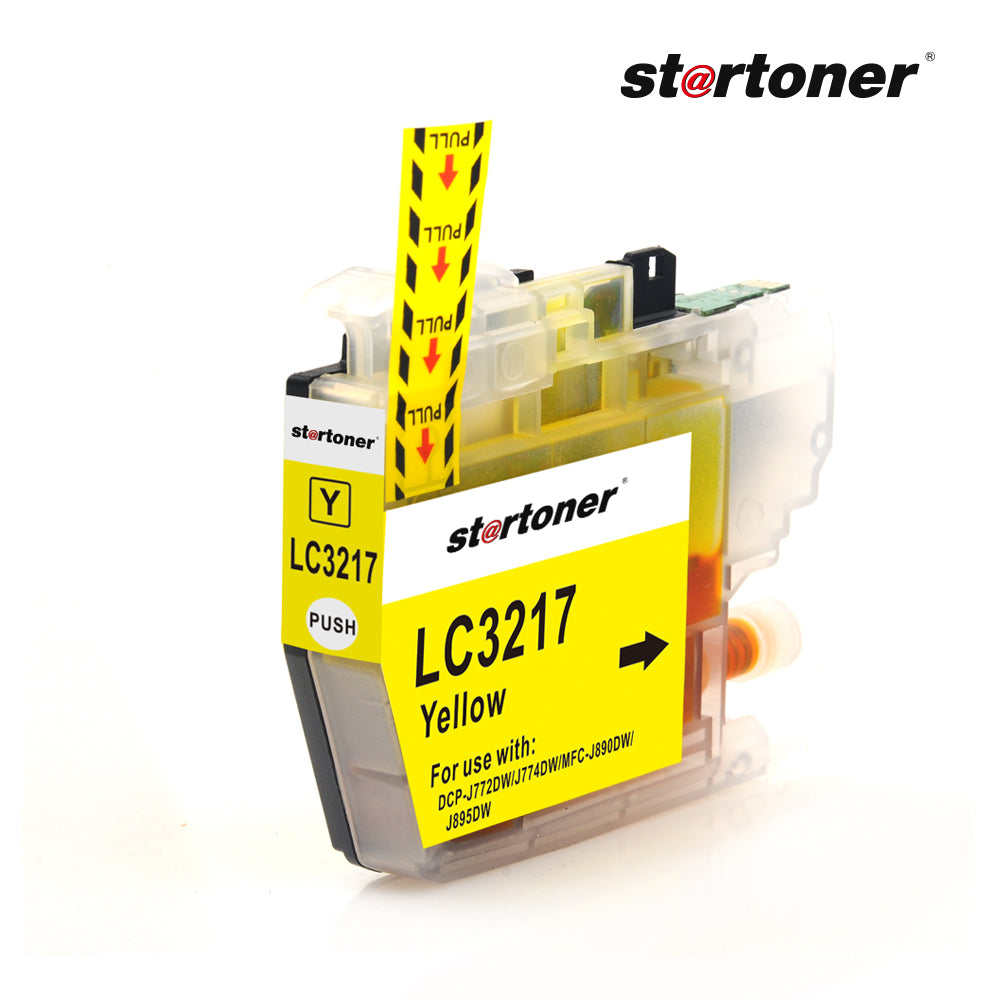
Brother LC3217 compatible ink cartridge · 550 pages · ISO 9001
- 3-year warranty
- ISO 9001 certified
- 30-day returns
- 100% secure payment
The compatible Brother LC3217 cartridge prints up to 550 pages according to ISO/IEC 24711 (5% coverage). Updated compatible chip. ISO 9001 certified, with a 3-year legal warranty (art. 120 RDL 1/2007). You save up to.
- 3-year warranty
- ISO 9001
- 24h shipping (Mainland)
- 30-day returns
- Support in Spanish
Will it work with my printer?
Yes. It is compatible with 8 Brother models. Find yours:
- MFC: Brother MFC-J5330DW, Brother MFC-J5335DW, Brother MFC-J5730DW, Brother MFC-J5930DW, Brother MFC-J6530DW, Brother MFC-J6535DW, Brother MFC-J6930DW, Brother MFC-J6935DW
Don't see your model? Verify your printer model or write to us before buying.
How many pages does it print?
It prints up to 550 pages measured according to ISO/IEC 24711 with 5% coverage. This is the same methodology that Brother uses for its original LC3217 cartridge, so the comparison is honest. Actual yield depends on the type of document: dense texts yield less, while emails and low-coverage documents yield somewhat more.
OEM Equivalent: Brother LC3217.
Cost per page
| Cartridge | Pages | €/page |
|---|---|---|
| Original Brother LC3217 | 550 | 0,012 €/page |
| Startoner compatible | 550 | 0,005 €/page |
Last updated: 2026-05-05.
How to install?
- Turn on the printer and open the cartridge cover: the carriage will move to the loading position.
- Gently press down on the used cartridge to release it and remove it.
- Take the new cartridge out of the packaging and remove the orange tape or protective sticker from the head.
- Insert the cartridge into the correct position and push until you hear a click.
- Close the cover: the printer will automatically run a short alignment cycle (1-2 minutes).
- Print the test page offered by the printer to confirm alignment.
Will I lose my printer warranty?
No. Art. 120 of RDL 1/2007 and Directive (EU) 2019/771 prohibit the manufacturer from voiding your warranty for using compatible consumables. In accordance with Directive (EU) 2024/1799 on the right to repair (in force July 31, 2026), the use of compatible cartridges does not affect the manufacturer's warranty.
Frequently Asked Questions
Is it compatible with my printer?
Yes. This compatible Brother LC3217 consumable works with 8 Brother models. If you don't see yours on the list, write to us before buying and we will confirm it in less than 24 hours.
Does using a compatible cartridge void my printer warranty?
No. Using a compatible cartridge does not void your printer's warranty. It is backed by art. 120 of RDL 1/2007 and Directive (EU) 2019/771: the manufacturer must demonstrate in writing that the damage was caused by the consumable. Further supported by Directive (EU) 2024/1799 on the right to repair.
How many pages does it print?
Up to 550 pages measured according to ISO/IEC 24711 with 5% coverage. Actual yield depends on the type of document: dense text yields less, light graphics may yield more.
How long does shipping take?
24-48h shipping (Mainland). Orders placed before 17:00 are shipped the same day. Algeciras and Cádiz, same day. Free from 50 €; below that, 3.99 €.
What if it arrives defective or doesn't work?
Free exchange within 14 calendar days (art. 102 RDL 1/2007) and 3-year legal warranty (art. 120). If it doesn't work, we will send you a new one with a tracking number without you having to return the first one.
Why doesn't my printer recognize the cartridge?
Turn off the printer for 60 seconds and turn it back on; the chip will synchronize with the firmware. If it persists, remove the cartridge and clean the contacts with a dry cotton swab before reinserting it.
Does the ink have an expiration date?
The date you see on the box is the "warranty end date", not actual expiration. Properly stored in a cool, dry place, this cartridge lasts 2-3 years unopened.
What do I do if the printer says the cartridge is empty and it's new?
Remove the cartridge, clean the chip with a cotton swab and a little alcohol, and put it back until you hear a click. If it continues, turn off the printer for 5 minutes. If the problem persists, write to us: you have a 3-year warranty.
Free take-back program for recycling. Complies with the WEEE Directive 2012/19/EU for waste electrical and electronic equipment, and with the REACH Regulation (Regulation (EC) 1907/2006) on chemical substances.
Related products: compatible Brother toners · how to choose a compatible toner · 3-year legal warranty · verify your printer model · XL version
Startoner brand (2022). Distributed by CHICTRATEC SL (Los Barrios, Cádiz). Manufactured by Grupo Recycop (Tangier, founded in 1998).
Couldn't load pickup availability
Share