


Startoner
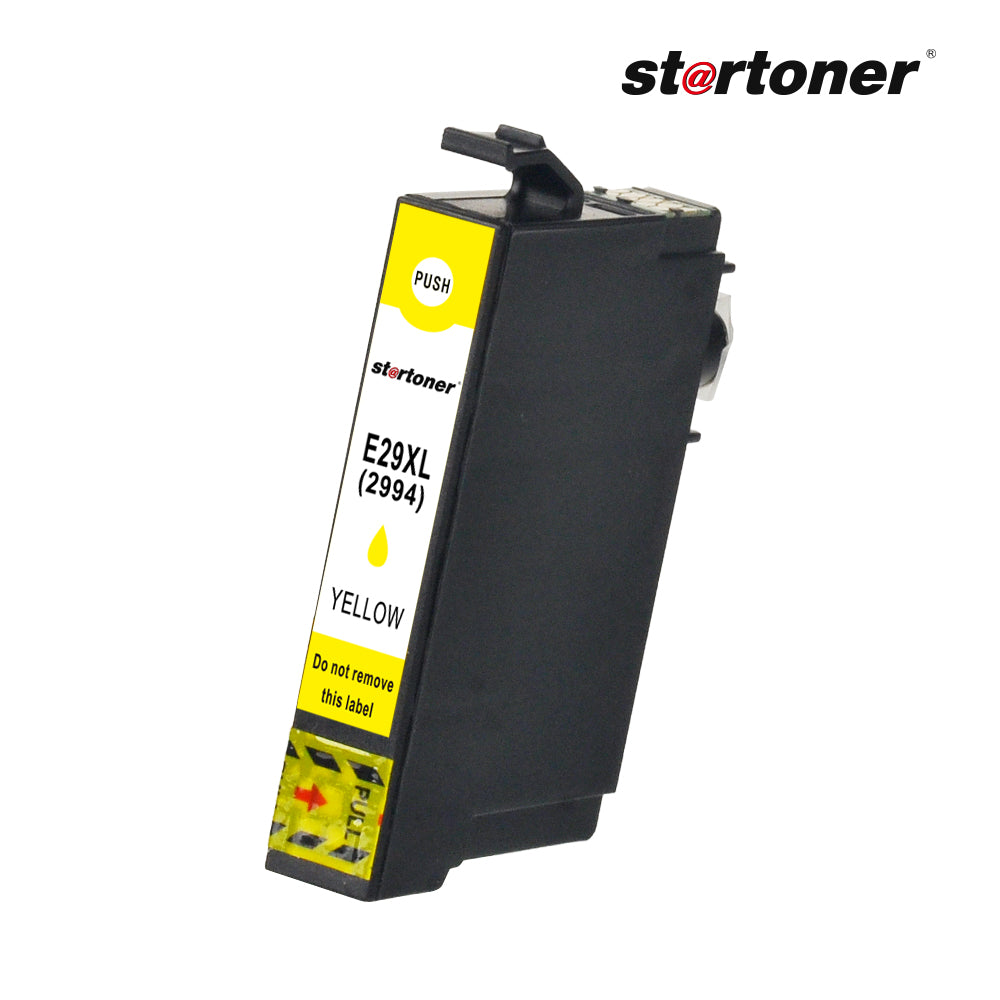
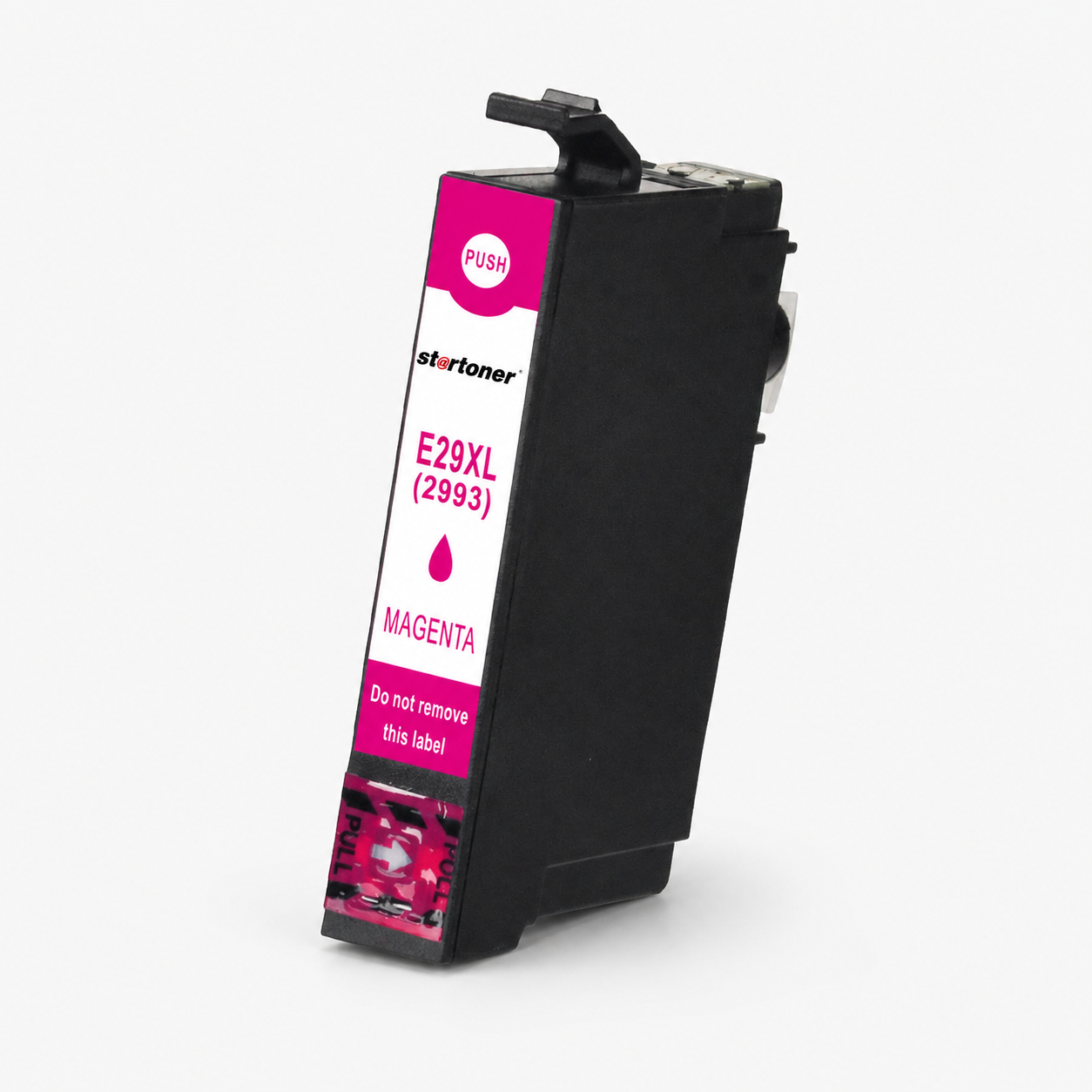
Epson 29XL compatible ink cartridge
Compatible ink cartridge Epson 29XL for Expression Home XP-235, Expression Home XP-245, Expression Home XP-247 and more models, about 470 pages, €1,99.
- 3-year Startoner consumable warranty
- Compatibility shown on this page
- 30-day returns
- 100% secure payment
Couldn't load pickup availability
Pickup point from €3,49 · Free home delivery from €49,00 · Delivery options
Check the compatibility, declared yield and price shown on this page.
- 3-year warranty
- Compatibility shown on this page
- Delivery estimate at checkout
- 30-day return
- Support in Spanish
Does it work in my printer?
Yes. It is compatible with 17 Epson models. Find yours:
- Expression: Epson Expression Home XP-235, Epson Expression Home XP-245, Epson Expression Home XP-247, Epson Expression Home XP-255, Epson Expression Home XP-257, Epson Expression Home XP-332, Epson Expression Home XP-335, Epson Expression Home XP-342, Epson Expression Home XP-345, Epson Expression Home XP-352, Epson Expression Home XP-355, Epson Expression Home XP-432, Epson Expression Home XP-435, Epson Expression Home XP-442, Epson Expression Home XP-445, Epson Expression Home XP-452, Epson Expression Home XP-455
Don't see your model? Verify your printer model or contact us before purchasing.
How many pages does it print?
Yield per color (ISO/IEC 24711, 5% coverage)
- Black: 470 pages
- Cyan: 450 pages
- Magenta: 450 pages
- Yellow: 450 pages
These values are the average measured under ISO/IEC 24711. Actual yield depends on the type of printing: dense texts yield less, color photographs yield much less.
Cost per page
| Cartridge | Pages | €/page |
|---|---|---|
| Original Epson 29XL | 470 | 0.009 €/pg. |
| Startoner compatible | 470 | 0.004 €/pg. |
Last update: 2026-05-05.
How to install?
- Turn on the printer and open the cartridge cover: the carriage will move to the loading position.
- Press gently on the used cartridge to release it and remove it.
- Take the new cartridge out of the packaging and remove the orange tape or the protective sticker from the head.
- Insert the cartridge in the correct position and push until you hear a click.
- Close the cover: the printer will automatically run a short alignment cycle (1-2 minutes).
- Print the test page that the printer offers to confirm alignment.
Do I lose my printer's warranty?
Your Startoner consumable is covered by a three-year legal conformity guarantee. Printer coverage is governed by the manufacturer’s terms and may exclude damage caused by consumables. Using a compatible cartridge does not by itself establish the cause of a fault; keep your documentation and contact us if a problem occurs.
Frequently Asked Questions
Is it compatible with my printer?
Yes. This compatible Epson 29XL consumable works in 17 Epson models. Check the compatible-printer list on this page. If your model is not listed, contact us to verify it before ordering.
Does using a compatible cartridge void my printer's warranty?
Your Startoner consumable is covered by a three-year legal conformity guarantee. Printer coverage is governed by the manufacturer’s terms and may exclude damage caused by consumables. Using a compatible cartridge does not by itself establish the cause of a fault; keep your documentation and contact us if a problem occurs.
How many pages does it print?
Yield per color measured according to ISO/IEC 24711 (5% coverage): Black 470, Cyan 450, Magenta 450, Yellow 450. Actual yield depends on the type of printing.
How long does shipping take?
The estimated delivery date and cost are shown at checkout before payment.
What if it arrives defective or doesn't work?
Free exchange within 14 calendar days (art. 102 RDL 1/2007) and 3-year legal warranty (art. 120). If it doesn't work, we send you a new one with a tracking number without you having to return the first one.
Why doesn't my printer recognize the cartridge?
Turn off the printer for 60 seconds and turn it back on; the chip synchronizes with the firmware. If it continues, remove the cartridge and clean the contacts with a dry cotton swab before reinserting it.
Does the ink have an expiration date?
The date you see on the box is the "warranty end date", not actual expiration. Properly stored in a cool, dry place, this cartridge lasts 2-3 years unopened.
What do I do if the printer says the cartridge is empty and it's new?
Remove the cartridge, clean the chip with a cotton swab and a bit of alcohol and replace it until you hear a click. If it continues, turn off the printer for 5 minutes. If the problem persists, write to us: you have a 3-year warranty.
Free return program for recycling. Complies with the WEEE Directive 2012/19/EU for waste electrical and electronic equipment, and with the REACH Regulation (Regulation (EC) 1907/2006) on chemical substances.
Related products: Epson range · differences with the original cartridge
Brand Startoner (2022). Distributed by CHICTRATEC SL (Los Barrios, Cádiz). Manufactured by Recycop Group (Tangier, founded in 1998).




- 5 stars: 1 (100%)
- 4 stars: 0 (0%)
- 3 stars: 0 (0%)
- 2 stars: 0 (0%)
- 1 star: 0 (0%)
najlepsza to cena i szybka dostawa