Startoner
Compatible Canon CRG-051 Drum · 23,000 pages
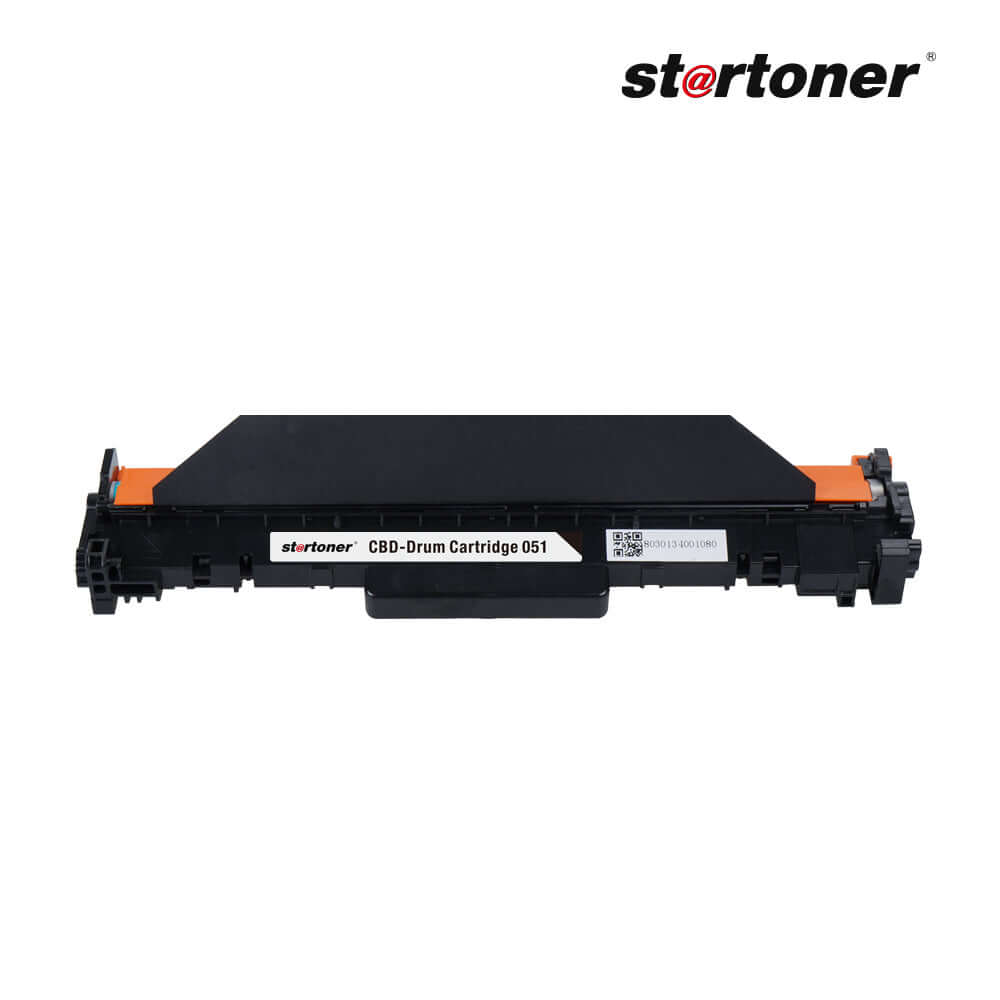
Compatible drum Canon CRG-051-DRUM for i-SENSYS LBP161dn, i-SENSYS LBP162dw, i-SENSYS MF263dn and more models, about 23,000 pages, €13,99.
- 3-year Startoner consumable warranty
- Compatibility shown on this page
- 30-day returns
- 100% secure payment
Couldn't load pickup availability
Pickup point from €3,49 · Free home delivery from €49,00 · Delivery options
The compatible Canon CRG-051 drum replaces the original with an approximate lifespan of 23,000 pages (manufacturer's definition; drums are not measured under ISO 19752 or 19798).
- 3-year warranty
- Compatibility shown on this page
- Delivery estimate at checkout
- 30-day returns
- Customer support
Does it work in my printer?
Yes. It is compatible with 6 Canon models. Find yours:
- Others: Canon i-SENSYS LBP161dn, Canon i-SENSYS LBP162dw, Canon i-SENSYS MF263dn, Canon i-SENSYS MF264dw, Canon i-SENSYS MF267dw, Canon i-SENSYS MF269dw
Don't see your model? Verify your printer model or write to us before buying.
How many pages does it print?
Approximate lifespan of 23,000 pages (manufacturer's definition). Drums are not measured under ISO 19752 or 19798: those standards apply only to toner cartridges. Actual duration depends on the type of printing, heating cycles, and the age of the equipment.
Cost per page
The Startoner compatible drum extends the lifespan of the toner+drum pair compared to the OEM unit. The actual cost per page depends on the toner you combine it with: use our savings calculator for your model.
Last update: 2026-07-13.
How to install?
- Turn off the printer and open the front cover.
- Remove the toner-drum assembly and separate the toner cartridge from the drum (keep the cartridge safe, you will reuse it).
- Insert the toner cartridge into the new drum.
- Reinsert the assembly into the printer and close the lid.
- Reset the drum counter from the panel: on Brother, hold the up arrow; on HP, go to Settings → Maintenance → Reset Drum; on Canon, follow the model instructions.
- Print a test page to confirm.
Do I lose my printer's warranty?
Your Startoner consumable is covered by a three-year legal conformity guarantee. Printer coverage is governed by the manufacturer’s terms and may exclude damage caused by consumables. Using a compatible cartridge does not by itself establish the cause of a fault; keep your documentation and contact us if a problem occurs.
Frequently Asked Questions
Is it compatible with my printer?
Yes. This compatible Canon CRG-051 drum works in 6 Canon models. Check the compatible-printer list on this page. If your model is not listed, contact us to verify it before ordering.
Does using a compatible consumable void my printer's warranty?
Your Startoner consumable is covered by a three-year legal conformity guarantee. Printer coverage is governed by the manufacturer’s terms and may exclude damage caused by consumables. Using a compatible cartridge does not by itself establish the cause of a fault; keep your documentation and contact us if a problem occurs.
How many pages does it print?
The drum has an approximate lifespan of 23,000 pages (manufacturer's definition; drums are not measured under ISO 19752 or 19798). Duration depends on usage and the type of printing.
How long does shipping take?
The estimated delivery date and cost are shown at checkout before payment.
What if it arrives defective or doesn't work?
Free exchange within 14 calendar days (Art. 102 RDL 1/2007) and 3-year legal warranty (Art. 120). If it doesn't work, we will send you a new one with a tracking number without you having to return the first one.
Do I have to reset the drum counter?
Yes. After installing a new drum, reset the counter from the panel. On Brother, hold the up arrow for 5 seconds in the toner menu; on HP, go to Settings → Maintenance → Reset Drum; on Canon, follow the model instructions.
How long does a drum last?
Approximately 23,000 pages. This is the lifespan defined by the manufacturer (there is no equivalent ISO standard for drums). The drum degrades with use, not with time: if you print little, it will last for years.
Free return program for recycling. Complies with WEEE Directive 2012/19/EU for waste electrical and electronic equipment, and with the REACH Regulation (Regulation (EC) 1907/2006) on chemical substances.
Related products: compatible Canon drums · compatibility guide
Brand Startoner (2022). Distributed by CHICTRATEC SL (Los Barrios, Cádiz). Manufactured by Grupo Recycop (Tangier, founded in 1998).
➕ Combine this drum with the compatible toner to complete your laser printer replacement.